
Installing ismartgate with Proteco Q60A/R gate motor

Installing ismartgate with gate motor

Proteco Q60A/R

Installation guide

  1. Check the wiring diagram for the Proteco Q60A/R motor below.

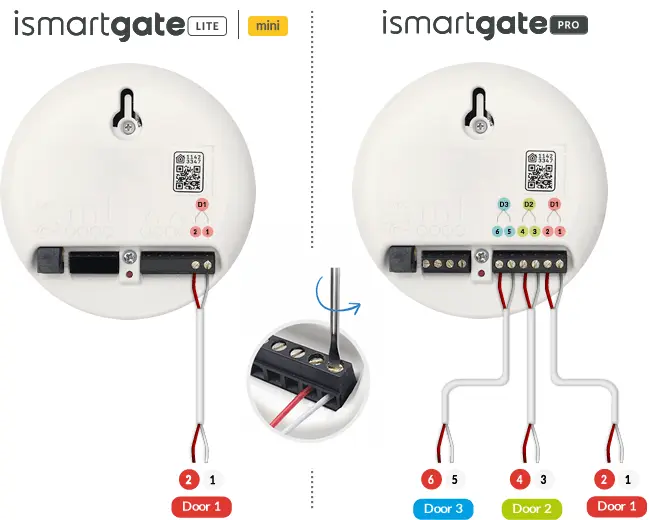
  2. Insert the wires (included in the kit) according to the diagram and tighten with a screwdriver.

  3. To power the ismartgate device, you can use a DC/DC converter power supply kit or create a socket for the ismartgate adapter by wiring from the motor control board's power output.

Download the ismartgate device installation guide.

More about ismartgate installation

Supported gate motors

Installation demonstration video

Installation manual

Device settings

Professional installation service

Sensor installation

